

Every feature, in one place.
A complete look at what Promptly does today — every feature, in plain language.
Five source types.
Indexed in seconds.
- Web crawlPoint it at your homepage and it finds every page on its own — no sitemap needed. Content is cleaned and indexed automatically.
- Sitemap importBulk-index every URL from your sitemap.xml in minutes. Good for large help centers that already have a clean structure.
- PDF / DOCX uploadUpload product guides, policy documents, or internal FAQs. Text and tables are extracted and made searchable.
- Manual entriesWrite short FAQ entries directly in the dashboard. Useful for answers your docs don't cover yet.
- External APIConnect any JSON endpoint — product catalog, pricing feed, CRM export. Re-synced on the schedule you set.
The FAQ that
writes itself.
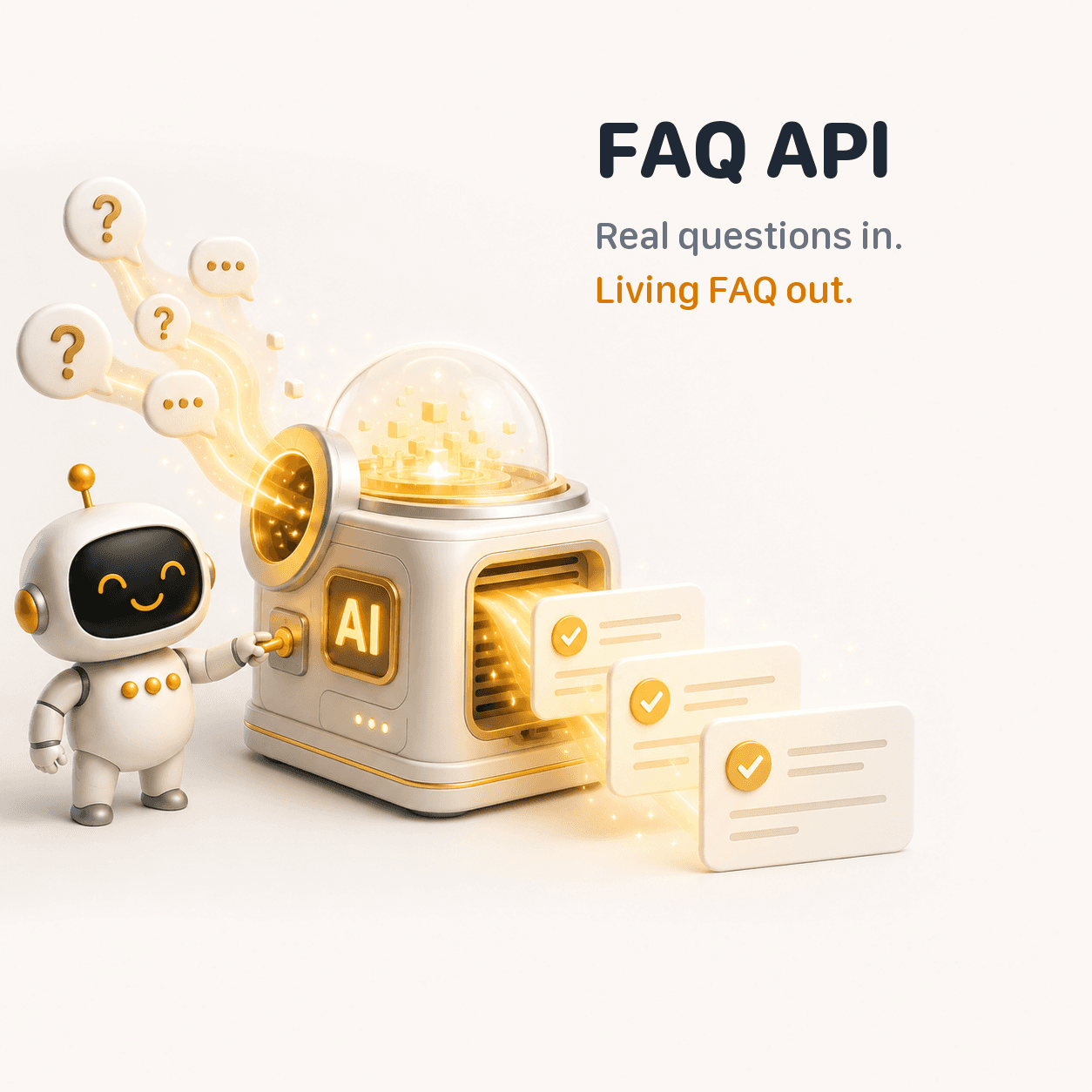
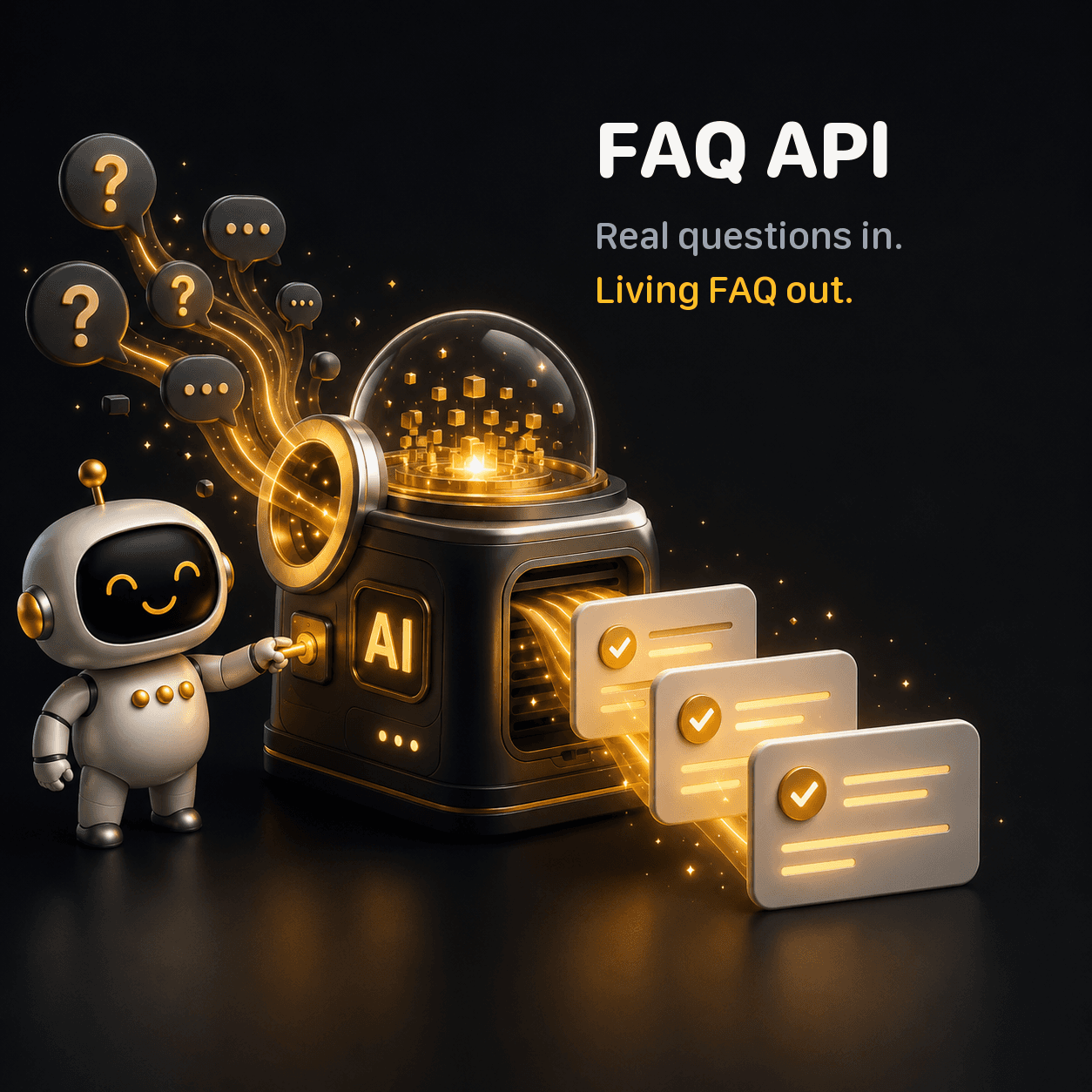
- Mined from real conversationsEvery question your visitors actually ask is collected and counted — not the ones you guessed they would ask.
- Grouped by meaning"How do I return this?" and "what's your refund policy" land in the same group. Semantic clustering, in any language, no manual tagging.
- Gaps, surfacedQuestions the bot couldn't answer become a to-do list. One click turns a gap into a knowledge base article.
- Served over RESTA public API returns your live FAQ as JSON. Drop it on your site once — it updates itself from then on.
The bot that thinks twice.
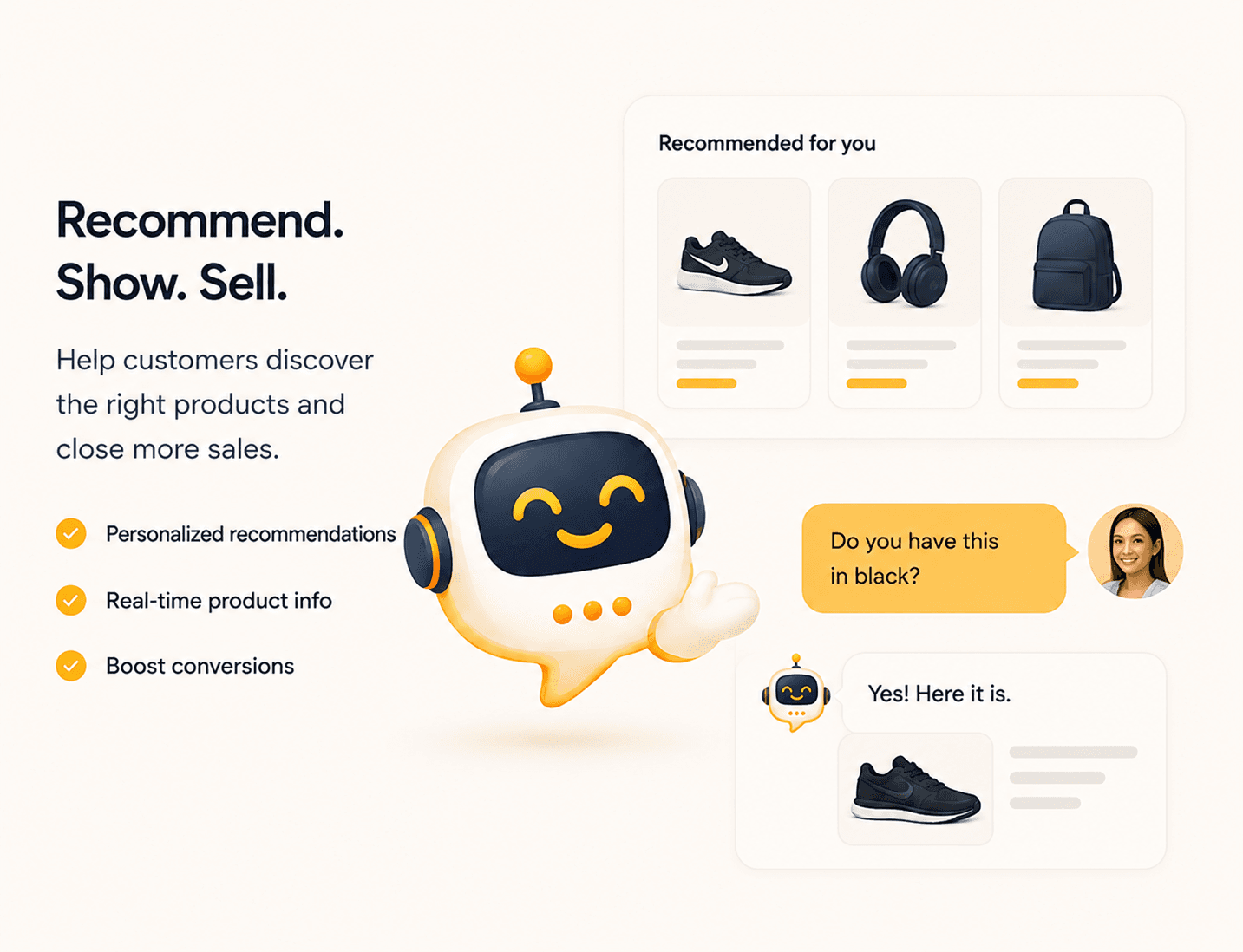
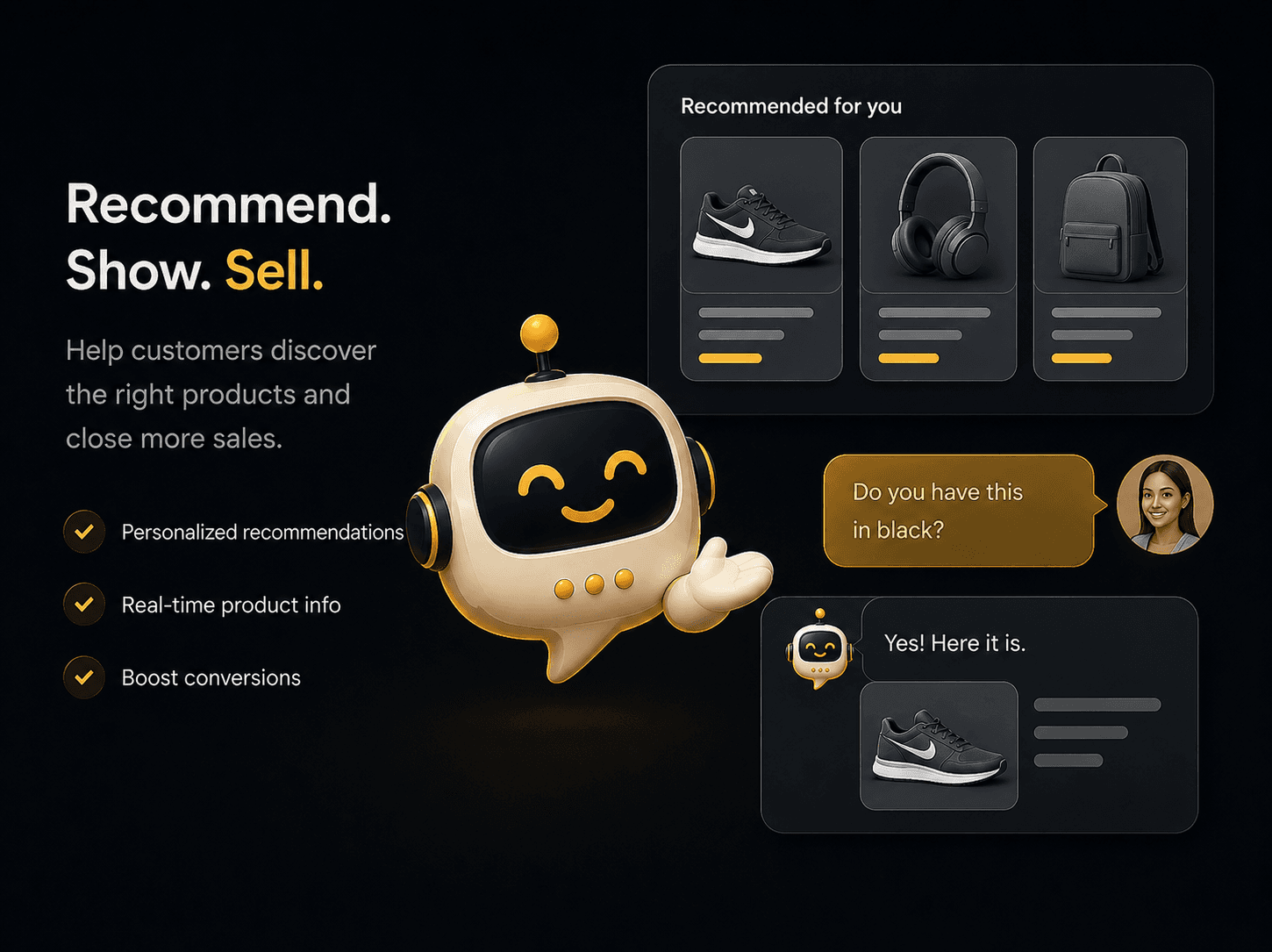
Multi-step reasoning
Complex questions get a proper answer, not a shrug. The bot classifies the intent, builds a step-by-step plan, executes it, and synthesizes a single clear response — without the customer noticing any of that.
Automatic intent routing
The bot figures out whether you're asking about a product, looking for documentation, or just making small talk — and routes each to the right path automatically. Faster answers, lower cost.
Cross-session memory
The bot remembers returning visitors — what they asked last time, what they bought, what problem they had. Each new conversation starts where the last one left off.
Cost tracking
See what each conversation costs, track your monthly AI spend, and set overage limits. You always know what the next 1,000 chats will cost before the invoice arrives.
Looks like yours.
Behaves like ours.
Three style variants — Minimalist, Modern, Corporate — plus full control over colors, geometry, position, and copy. One <script> tag and you're live.
When the bot can't,
your team can.
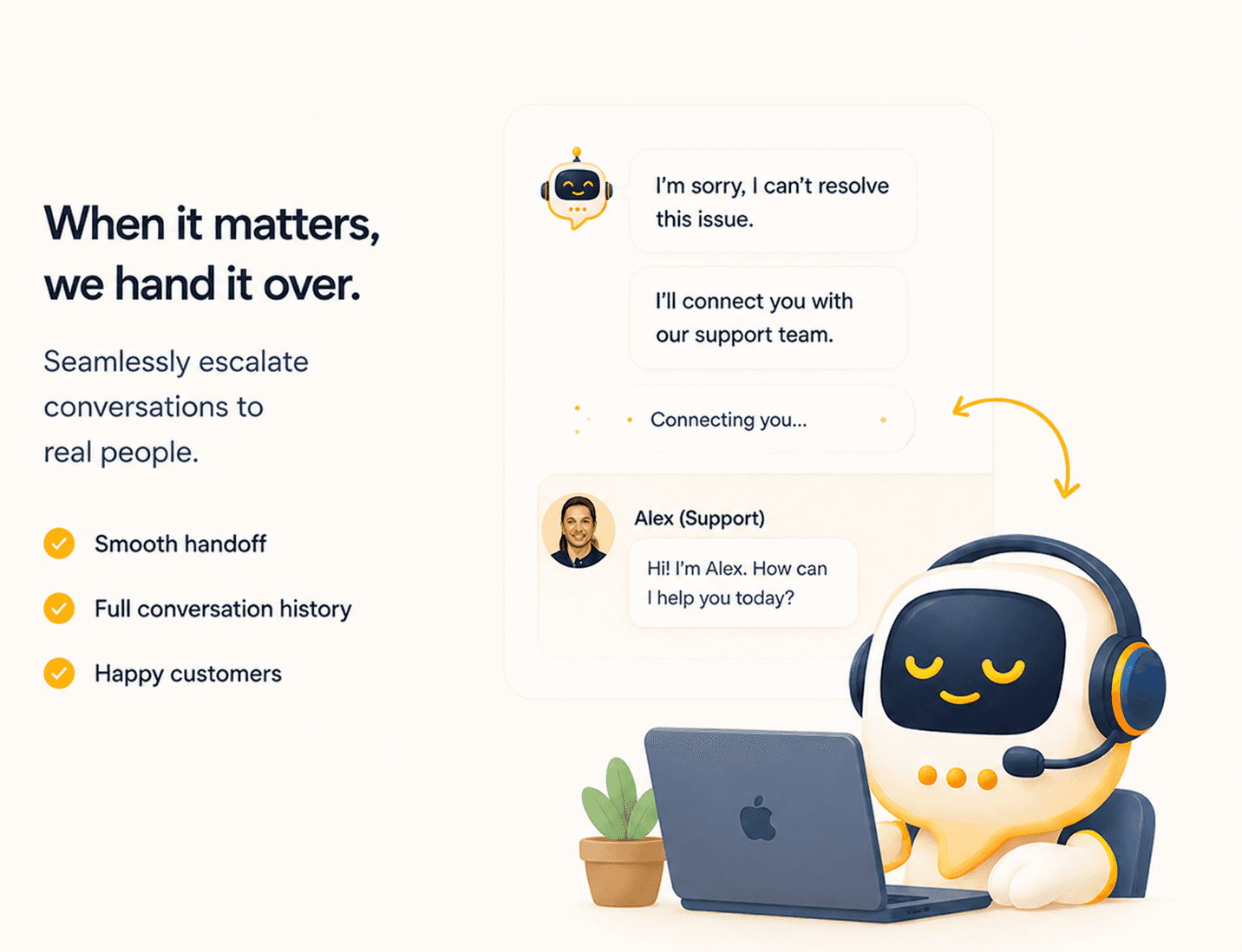

- Instant escalationWhen the bot can't help — or the customer asks for a person — it hands off immediately. Your agent sees the conversation the moment it lands.
- AI-generated briefingBefore your agent says hello, they get a short summary of what the bot tried, what the customer's issue is, and the detected language. No need to re-read the whole transcript.
- AI ComposeClick Polish on any draft reply and the AI rewrites it in your tone and the customer's language. Useful when you're tired or translating on the fly.
- Macros + internal notesSave canned replies for common responses. Leave private notes for teammates. Keep context inside the conversation, not in a Slack thread.
- AttachmentsDrag a file or paste a screenshot directly into the conversation. Images show a preview; documents are listed inline.
- SLA timer + viewing presenceConversations waiting too long turn red. See which agents are already viewing a ticket before you claim it — no double replies.
- Email transcriptSend the full conversation to the customer when you resolve it. Useful for compliance, follow-ups, or just good manners.
Enterprise plumbing,
by default.
We can't promise SOC 2 because we're not certified yet. We can promise the underlying mechanics.
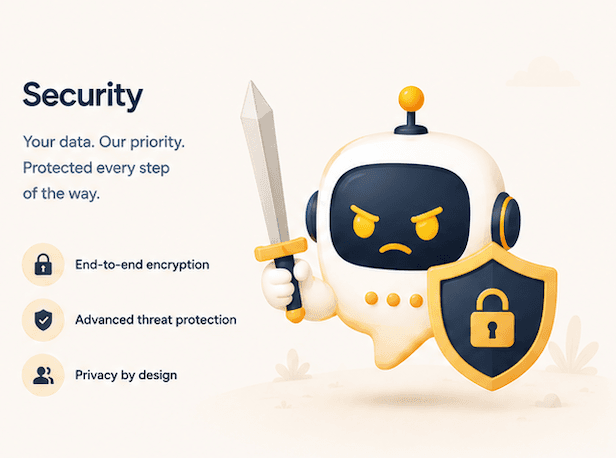

- Encryption at restAll secrets and connection strings are encrypted at rest. Nothing sits in plaintext.
- Data isolation optionsShared infrastructure by default, with a dedicated database available for teams that need it — your data never touches another tenant's rows.
- Access loggingSignificant actions are logged: API key changes, password resets, admin access, suspected prompt injection attempts, and more.
- Role-based access controlOwner, Admin, Agent, Viewer — four roles with distinct permissions. Add teammates without worrying about what they can see or change.
- Domain whitelistThe widget only loads on domains you approve. Requests from other origins are rejected before any data is returned.
- Rate limitingPer-account and per-IP limits prevent abuse. Accounts that hit suspicious patterns are flagged automatically.
Ship a chatbot your customers will thank you for.
Try it free for 14 days. No credit card. Cancel any time you stop seeing your support queue shrink.